
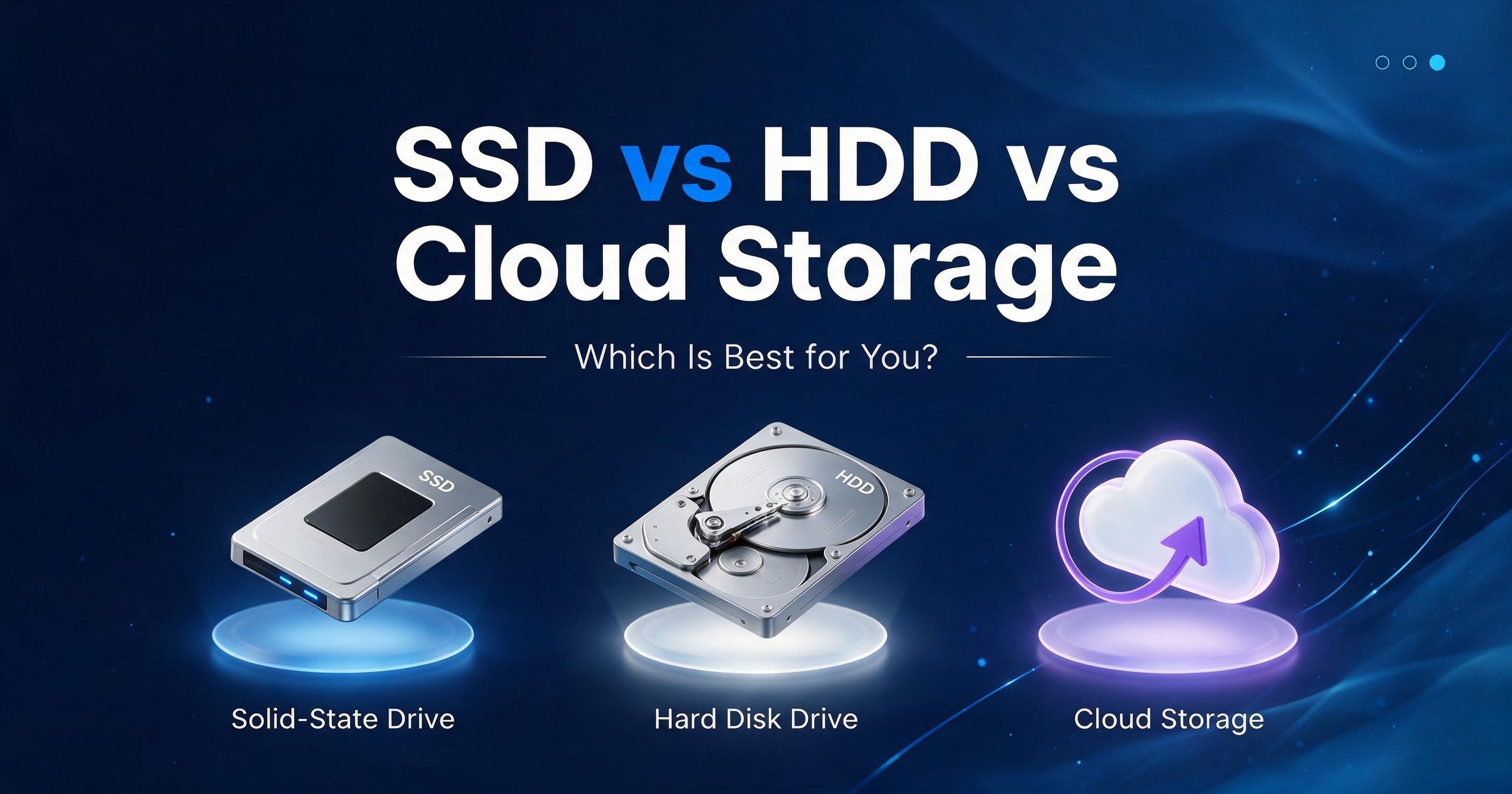
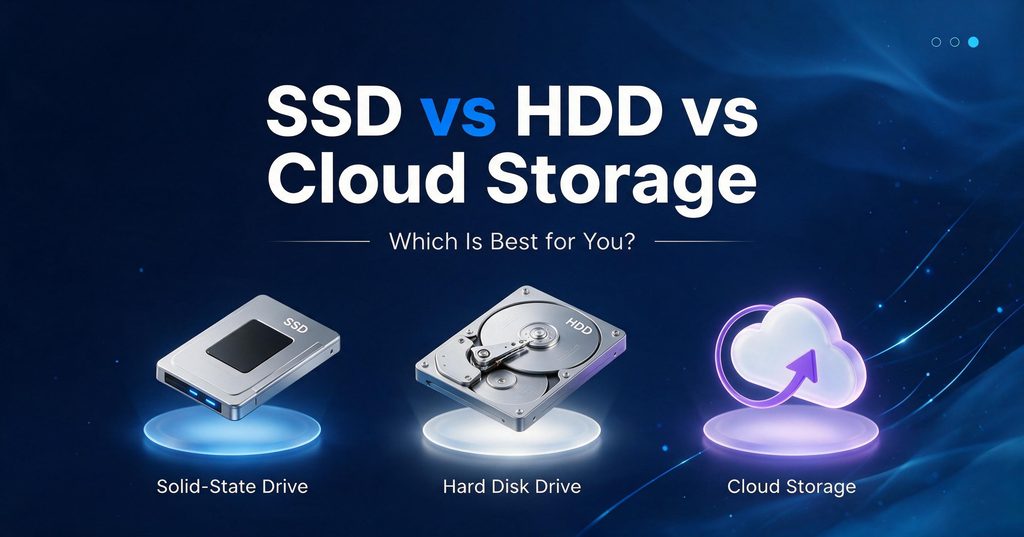
Are you confused about which storage you should have to pick? When we talk about storage, we need free space to save our data or media files. Or want to access the data or media online as well. Here we have SSD (SOLID STATE DRIVE), HDD (HARD DISK DRIVE) and CLOUD STORAGE.
In this blog, you will get the answer that which storage would works best for you, and which option in term of speed, pricing, media(photo/video storage), backups and long-term storage.
HDD (HARD DISK DRIVE)
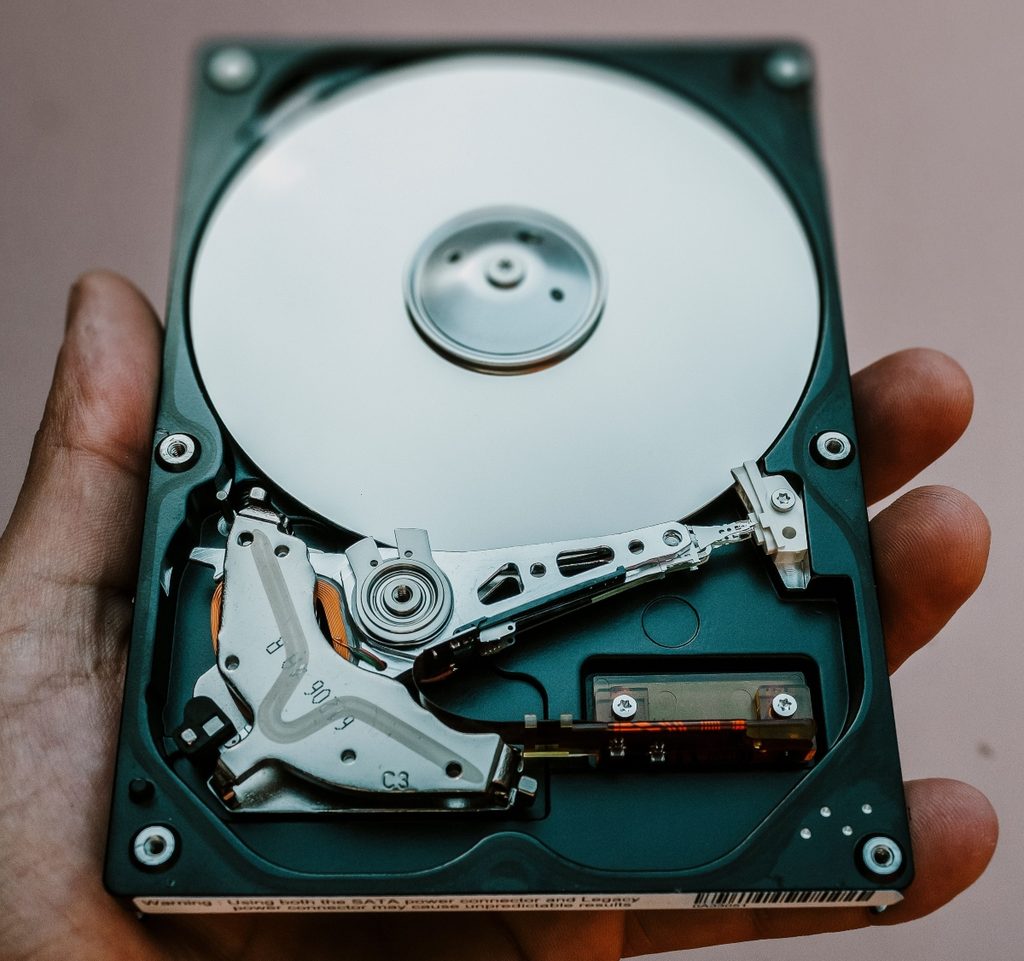
Here is the image of HDD, It is stands for Hard disk drive because It has electro-mechanical component, moving parts inside the hard disk to store data in it. I spinning disk and there is small head that move across the disk to store the data.
Let’s say, you of probably have a thousand of photos and memorable videos that needs several Terabytes (TB) of storage. Here HDD might be your good friend to help you with it!
Here I am going to mentions Disadvantages about HDD as well, because that helps to make decisions too.
Know you knew that HDD has moving particles in it, and more you use and more chances of risk build up to damage the parts in future, it gets not too early but still there has chances. For example, you may drop that accidentally while it is running can potentially damage it.
HDD makes noise while it is working, so you may notice in a quite place when you hear the sound coming from your laptop it is HDD that reads/write the storage in your device. You can checkout the sound that makes on that video. That helps you to choose between HDD vs SSD vs Cloud storage.
Who should use an HDD?
An HDD can be a good choice for someone who:
-Needs lots of storage
You have many photos, videos, movies, or other large files.
-Wants to spend less per TB
You want a large amount of storage without paying as much as you might for an SSD.
-Needs an archive/storage drive
You don’t constantly need extremely fast access to the files.
-Needs additional storage
For example, you could have an SSD as your main computer drive and an HDD for storing large files.
-Simple example
Imagine your computer has:
-500 GB SSD → Windows + applications + games
-4 TB HDD → Photos + videos + movies + documents + backups
That can be a very practical combination.
One if the biggest advantage of HDDs is that you can get a lot of storage for relatively with little money as compare to other form of storages like SSD OR CLOUD. Another, advantage that you can get largest capacities of storage in it.
Easy way to remember HDD
Think:
HDD = Huge + Cheap + Slower
- Huge → lots of storage
- Cheap → generally lower cost per TB
- Slower → mechanical moving parts
SSD (SOLID STATE DRIVE)
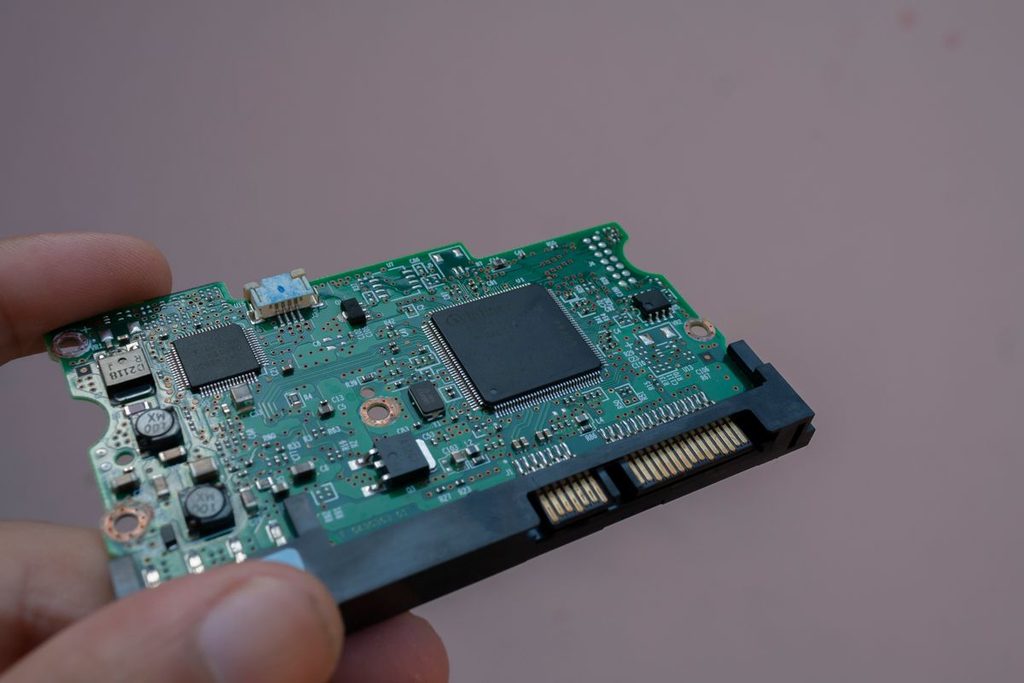
An SSD (Solid State Drive) is a storage device used in computers to store files, programs, photos, videos, and the operating system same like the HDD (Hard Disk Drive). Here is the difference, It uses electronic memory chips instead of spinning disks to store data. SSDs are faster, quieter, and more durable than traditional HDDs.
It is the time to mention the disadvantages of SSD (Solid State Drive), Because it is worth to know before when you buy.
SSDs costs more than the HDDs, that means less storage for the price. For example, if you have a limited budget, you may get less storage capacity compared with HDD.
Data recovery can be harder! But it doesn’t happened frequently but it is good to know that when SSD fails, recovering the stored data can sometimes be more difficult than recovering the data from an HDD.
Who should use an SSD?
An SSD can be a good choice for someone who:
– Wants a faster computer
You want Windows, applications, and files to open quickly.
– Wants fast loading times
You play games or use programs that need to load data quickly.
– Wants a quiet computer
SSDs have no moving parts, so they operate silently.
– Wants more durability
Since there are no spinning disks or moving parts, SSDs are generally more resistant to physical movement and shocks.
– Needs a main computer drive
An SSD is ideal for installing Windows, applications, and frequently used files.
– Simple example
Imagine your computer has:
– 1 TB SSD → Windows + applications + games + frequently used files
– 4 TB HDD → Photos + videos + movies + documents + backups
That can be a very practical combination.
One of the biggest advantages of SSD is speed. It helps to start the computer much faster, open apps quickly and Load games faster. You can see the difference after using HDD.
CLOUD STORAGE
What Is Cloud Storage?
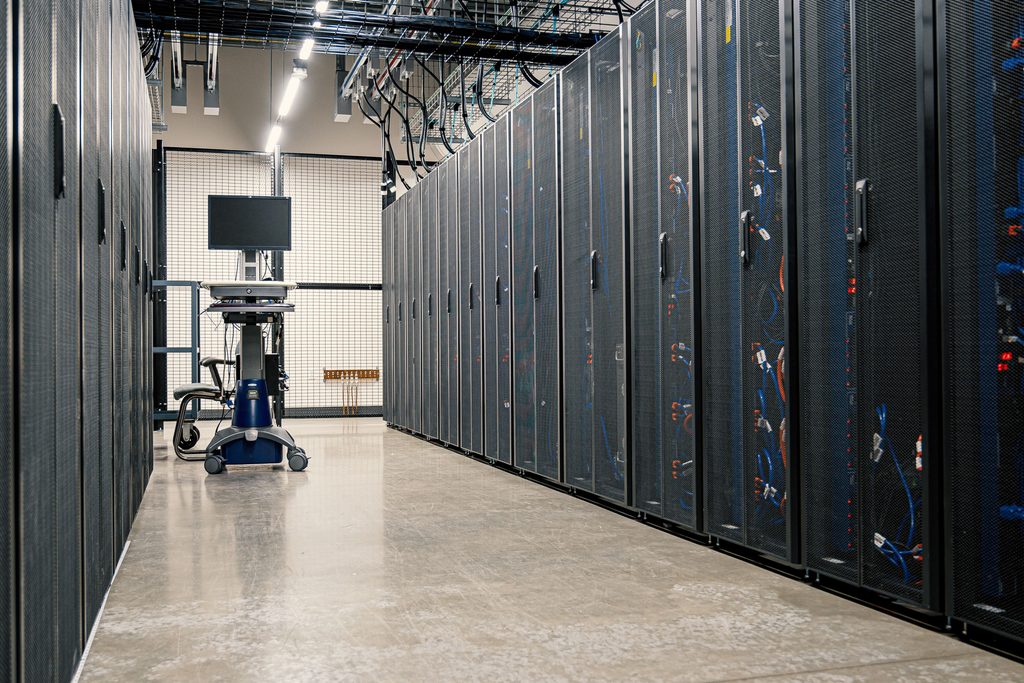
Cloud storage is a service that lets you store your files and data on remote servers accessed through the internet. Instead of keeping everything only on your computer or phone, your files are stored online. You can access your files from different devices as long as you have an internet connection.
How does Cloud Storage work?
Cloud storage sends your files over the internet to remote data centers operated by a cloud storage provider. The provider stores your data on servers and allows you to access or download it whenever you need it.
Who should use Cloud Storage?
Cloud storage can be a good choice for someone who:
– Wants to access files from anywhere
You want to access your files from your computer, phone, or tablet as long as you have an internet connection.
– Wants to back up important files
You want to keep an extra copy of your photos, documents, and other important files online.
– Wants to save device storage
You want to store some files online instead of using all the storage space on your computer or phone.
– Wants to easily share files
You want to share photos, documents, or folders with other people without using a USB drive.
– Wants files available on multiple devices
→ You want the same files to be accessible across your computer, phone, and tablet.
Simple example
Computer → Work documents
Phone → Photos and videos
Cloud storage → Backup of your documents + photos + videos
Think4tech point of View: HDD vs SSD vs Cloud Storage
There isn’t one storage option that is best for everyone. An SSD is the best choice for your computer’s everyday performance, because it makes Windows, applications, and games feel much faster. An HDD is still valuable when you need a lot of storage at a lower cost, especially for large collections of photos, videos, and backups. Cloud storage is different from both because its biggest advantage is accessibility and backup—your files can follow you across devices instead of being tied to one physical drive.
If I were setting up a computer today, I wouldn’t necessarily choose just one. I would use an SSD for speed, an HDD for affordable large-capacity storage, and cloud storage for important files and an extra layer of backup. Each solves a different problem, and together they can create a much more practical storage setup.